Blog Planning & Self Accountability
I am new to the blogging journey and I am learning more every day! I have been pretty invested in the actual blog content and Instagram, I am working on expanding my horizons to SEO and Pinterest. I am willing to learn new every day about the blogging world, the autism world, and the parenting world. Know better, do better.
I also feel no need to keep what I learned to myself, I may as well share with those interested. That is where this post comes in. I am telling you what I personally use to help me feel successful, and hope it helps you, too! I would love to continue this community of questions and chatting over competition. I encourage you to engage on all platforms to grow!
Be organized
Where do you keep your materials you need to blog? What about if you need basics for photo back drops, etc? Having a place for all of that is a great start.

Binder (parts of the binder will be shown below)
Tri-Pod
Blue-tooth Remote
Photo Poster board
Computer (cord)
I like to take my work to go on Mondays, Computer Bag
Pencils
Pens in colors I like
I keep these items in my cute “branded” apolis bag next to the chair that has the surge protector for the computer. This will also be my pumping station so if I am multi-tasking while pumping, it is still in the same location.
Time Block

One of the first things I learned in my Usborne Book business is to block my time. It keeps me from getting distracted with small tasks and not getting to the bigger ones. I have recently discovered Artful Agenda–a beautiful mix between a paper and a digital planner that is cute, fun, and keeping my head on straight. This is currently (March 2019) only online and better viewed on a computer or a bigger tablet but an app is in the works. I do use the day view just fine on my phone, and I.AM.LOVING.IT. There is also currently a 2 week free trial. To try it out (and likely fall in love) click HERE! I would greatly appreciate you using my referral code: RS2309
Now you may be asking, “How exactly do I time block–in this calendar or ANY?!?” Have no fear, I have those answers here too!
please excuse the heavy breathing–9 months pregnant and literally ran up the stairs to hide and do this video.
Map out your posts–and schedule


I am sure there is a way to move this into the digital phase and to do it in my artful agenda, but for now I do this in my binder. There is a tab in my binder for my calendar.
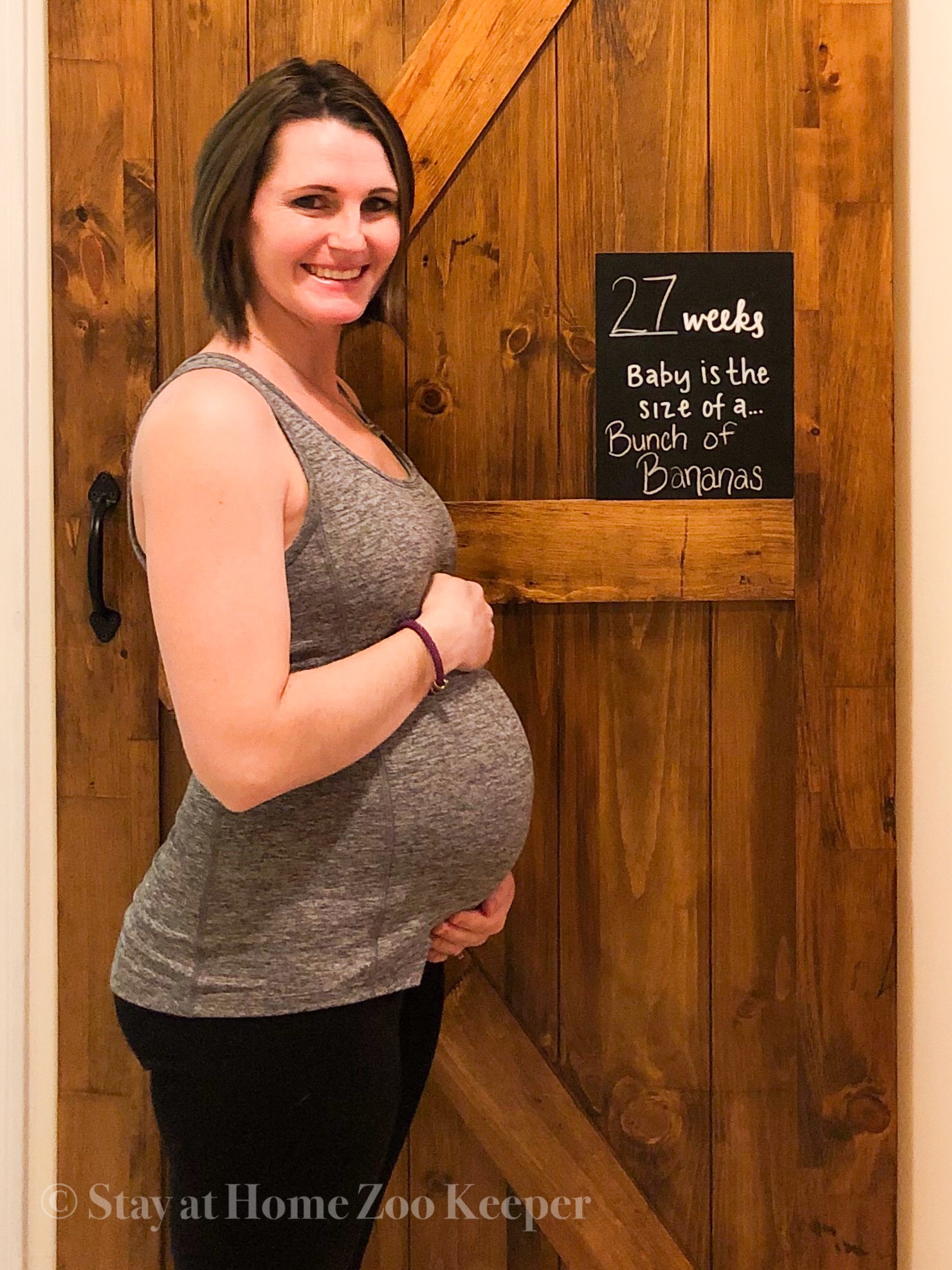
I first picked how many times I would like to post. I set a goal of 1-2 times a week. When I found out I was pregnant, I added 2 more–for baby related topics and a weekly bump update. Then I thought about if there was a general topic for each day. For me, Mondays were something autism related, Wednesdays mom related, Fridays baby related, Saturday bump update. I switch often, but when I have a general idea and I am stuck fora topic, this gives me guidance. When I I think of all the topics I can do that fit me and fit into the time of year. In April, I will have an influx of autism awareness, in winter gift giving ideas.
Sometimes, an idea pops into your head and you pull out that blog post quickly and can bump others, which is always nice because it can fill your calendar with content. For example, I created a system I loved for getting all the presents checked off my list. Then I had the idea, “Hey! This may be a good idea for others!” I made the item on my work day on Monday, I wrote how to use it as the blog post, went and changed my sweater to take the photo, edited the photo in lightroom to better lighting and the copyright, and scheduled it all there for the following Wednesday. For this reason, I do my binder in PENCIL.
I have the topic on the day it will be posted with a little check box, then one with a P for Planoly for the corresponding instagram post (see below). I check the first box when the post is written and the P box when the instagram post is made. For me, I do most my post writing on Mondays because I have a sitter and I often work from a coffee shop or library. Photos aren’t an option on those days so I leave the P alone to remind me I still need to get a photo for that Instagram post and will do that on my photo days.
Take photos and edit.

As mentioned, Mondays are often not the best time for photos for me, but I choose Wednesday and Thursdays. I set up photo time to be time when the sun is optimal (this is on my block scheduling). I take a ton of photos not really being picky about lighting, just that there is as much natural light as possible and the items are all in the photos. I then crop and tweak lighting in free lightroom. I have created my own presets based on the times/places I take my photos. Outdoor, indoor with natural light, indoor with out natural light, and bump photos (which is in the same spot of the house every time). I save with the copyright on them for my instagram and blog post. I like to correlate the image so when they are on the blog, they can find what they are looking for based on the instagram image. I also will use this image for Pinterest if I can.
Plan your instagram posts–and schedule

I use the tool Planoly to upload my photos, schedule them, and maybe one of my most FAVORITE features–stored hashtags you can reuse! I love I have a group of hashtags for baby, autism, family with and without a blog post as well as for each of my brand rep positions. If I am making an instagram post and not planning one out, I still have access to copy these and paste into my instagram. If you are interested in Planoly, I would love it if you used my referral link HERE. There is free through paid version of this app (I am currently working with free).
Be a responsible Brand Rep/Ambassador
I also make sure to be a responsible Brand Rep/Ambassador. First, I save all contracts in the contract tab in binder. Based on what is agreed upon in the contract, I may need to post number of times and those I can keep track of and put on my post calendar.

If part of being their ambassador is to take photos for them, I find making an album for their company on my phone to be helpful. I also make sure to edit with and without the copyright when doing “ad” photos. I post with the copyright but will have a non-copyrighted one for them to use for their own use if that is in the contract.
Finally, I make sure to follow all contracted agreements on tagging and use their hashtags (stored in Planoly). This is a quick pull and add to my hashtags and helps my posts be more organically integrated as well.
Pin your posts

I still have a lot to learn but have a Pinterest for business/blog purposes, but what I have gathered thus far: pin to a separate board for each post you make. These boards being smaller and specific (Not just “Hoidays” but “St. Patrick’s day” for example) can help find your pins and then in turn your posts through search engines.
Dont try to do this all at once

Please do not try to make all these systems into place at once. You will go crazy. Start at the top and work your way down. By being organized, knowing what you should be doing when, planning out what your posts will look like and when they will be relevant, and then scheduling out posts to work when you have time and post when they work best, and then developing good relationships with others, you can grow as a person, a brand, a blogger, and your following.
]]>




One Comment
Jessica
This is VERY helpful advice that you’ve shared !! You seem like you’re doing great! Keep doing great things!! I wish you much success in your journey of blogging!!
I’m currently hosting a blog party and you’re more than welcome to join in! Drop by, leave your blog link, discover new blogs and make new blog friends!! 🙂
https://jessierenea.com/its-a-blog-party-leave-your-links